AI Agents for Small Business: How to Automate Back-Office Work
Learn how AI agents automate lead triage, invoices, and inventory for small businesses. See real use cases and how to set them up safely.
Running a small business means doing a dozen jobs at once. AI agents are changing that. Unlike a simple chatbot that only answers questions, AI agents can execute multi-step workflows across different software platforms without constant human input.
In this guide, you’ll learn what they do, where small businesses use them, and how to set them up so they stay accurate.
What Is an Autonomous Agent?
An autonomous agent is software that takes a goal, plans the steps, uses your tools, and checks its own work. A chatbot waits for a question. An agent finishes a task, such as reading an email, finding the customer in your CRM, updating the record, and replying.
How Small Businesses Use AI Agents
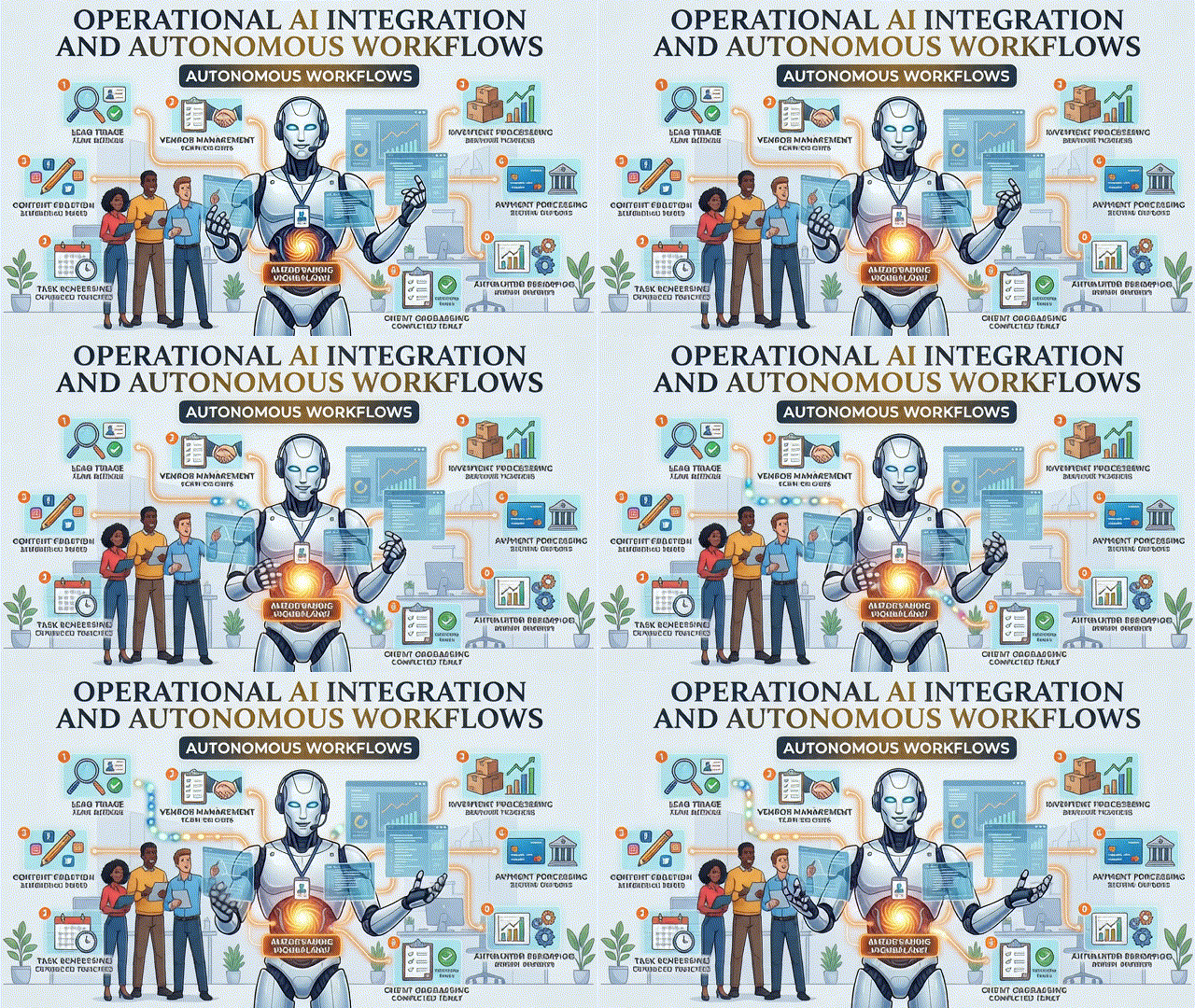
Small business founders use AI agents to manage lead triage, update customer records, and verify vendor details. Here is what that looks like day to day:
- Lead triage: score new enquiries, route hot leads to you, and send a first reply within minutes.
- Customer records: keep your CRM, spreadsheets, and email in sync automatically.
- Vendor checks: confirm bank details, tax information, and documents before you pay.
- Admin follow-ups: chase unpaid invoices and send appointment reminders.
Why AI Agents Help Lean Teams Grow
Deploying autonomous AI agents allows lean teams to scale revenue without increasing payroll. Instead of hiring for every repetitive task, you automate it and keep your people on sales, service, and strategy.
Small companies relying on AI agents also gain a major speed advantage over slower competitors. Faster replies win more customers, and cleaner data leads to better decisions.
How to Configure Your Agents Safely
Accuracy comes from clear rules, not luck. When configuring these AI agents, set boundaries before you switch anything on:
- Define one clear job. Start with a single workflow, such as lead replies.
- Write the rules. State what the agent may do, what it must never do, and when it must ask a human.
- Limit access. Give it only the tools and data it needs.
- Add approval steps. Require sign-off for payments, refunds, and anything customer-facing and sensitive.
- Review the logs weekly, then improve the rules.
Real Examples: Inventory, Invoices, and Payments
Specialized AI agents can monitor inventory levels, draft restocking orders, and flag invoice discrepancies. A shop owner no longer has to count stock or compare invoices line by line. The agent does the checking and only alerts you when something looks wrong.
Many operational AI agents now connect directly to payment processors and webhooks. This means an agent can react to a new payment, update the order status, notify the customer, and log the sale without you touching it.
The Future: Agents as Digital Team Members
As these AI agents become faster and more reliable, they act as digital team members. They handle the repeated work around the clock, while you handle the relationships and decisions that need a human.
Ultimately, building custom AI agents reduces human operational bottlenecks. The businesses that start small now will be far ahead when this becomes standard.
Next step: Explore our Guide to Building Autonomous Workflows
Official resource: Read the U.S. Small Business Administration (SBA) Tech Resource Center
Frequently Asked Questions
What is the difference between a chatbot and an autonomous agent?
A chatbot answers questions in a conversation. An autonomous agent completes multi-step tasks across your software and takes action.
Are autonomous agents safe for small businesses?
Yes, when you limit their access, write clear rules, and require human approval for sensitive actions like payments.
How much does it cost to start?
You can start with one workflow using affordable no-code tools and expand once it saves you time.
Do I need a developer?
Not for simple workflows. Custom builds that connect payment systems or internal tools are easier with a developer.
Leave a Reply